For coaches
Welcome: how Goodform works
A client’s journey, from your page to the payment, and what your clients see on their side.
Goodform brings together your booking page, your calendar, your clients’ follow-up and your payments. No more juggling several tools.
The journey in 5 steps
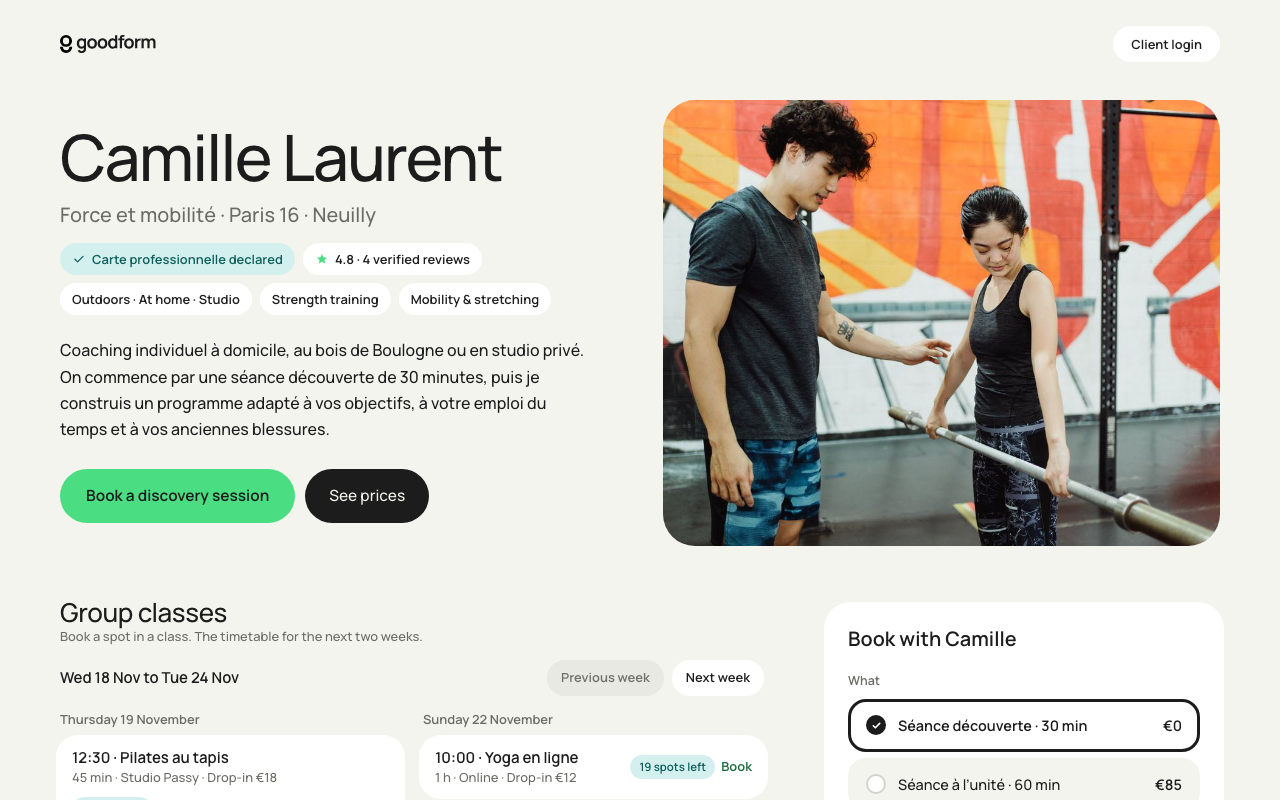
- Your page shows your services and prices. You put its link in your Instagram or TikTok bio.
- The client picks a service, books a time and pays online.
- The session is added to your calendar. The client gets a confirmation.
- You follow the client: messages, program or meal plan, check-ins.
- The money reaches your bank account. The invoice goes out on its own.
What your client sees
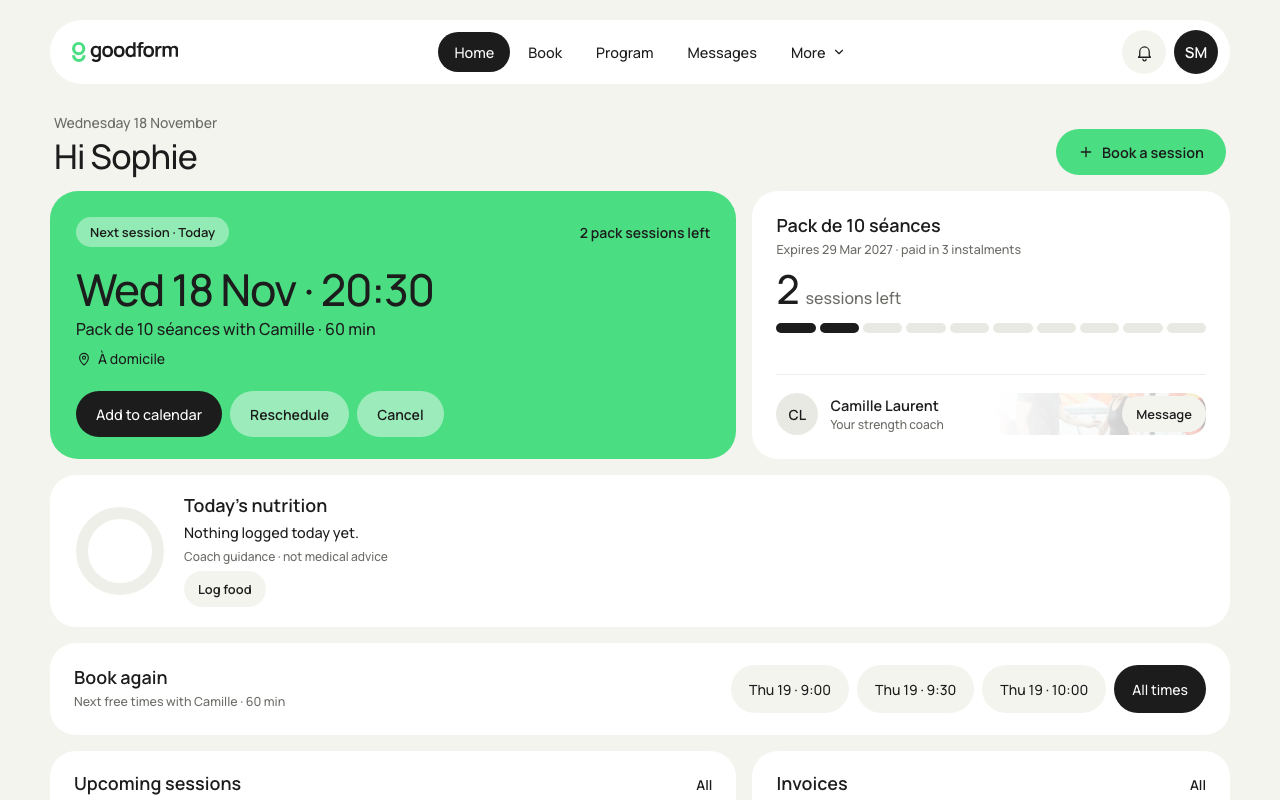
Your client has their own space, on the web and in the Goodform app for iPhone and Android. They sign in with their email and a 6-digit code, no password.
There they find their sessions, their program, their meal plan, their check-ins, their invoices and their conversation with you.
Your account
To create your account, enter your name and email on the sign-up page, and type the 6-digit code we email you. There is no password. Then choose Start or Pro and add your card: your 14-day free trial starts at once, and nothing is charged if you cancel before it ends.
Where to start
Follow this guide in order: it takes about twenty minutes. Your Home page also lists what is left to do.