For coaches
Your clients, day to day
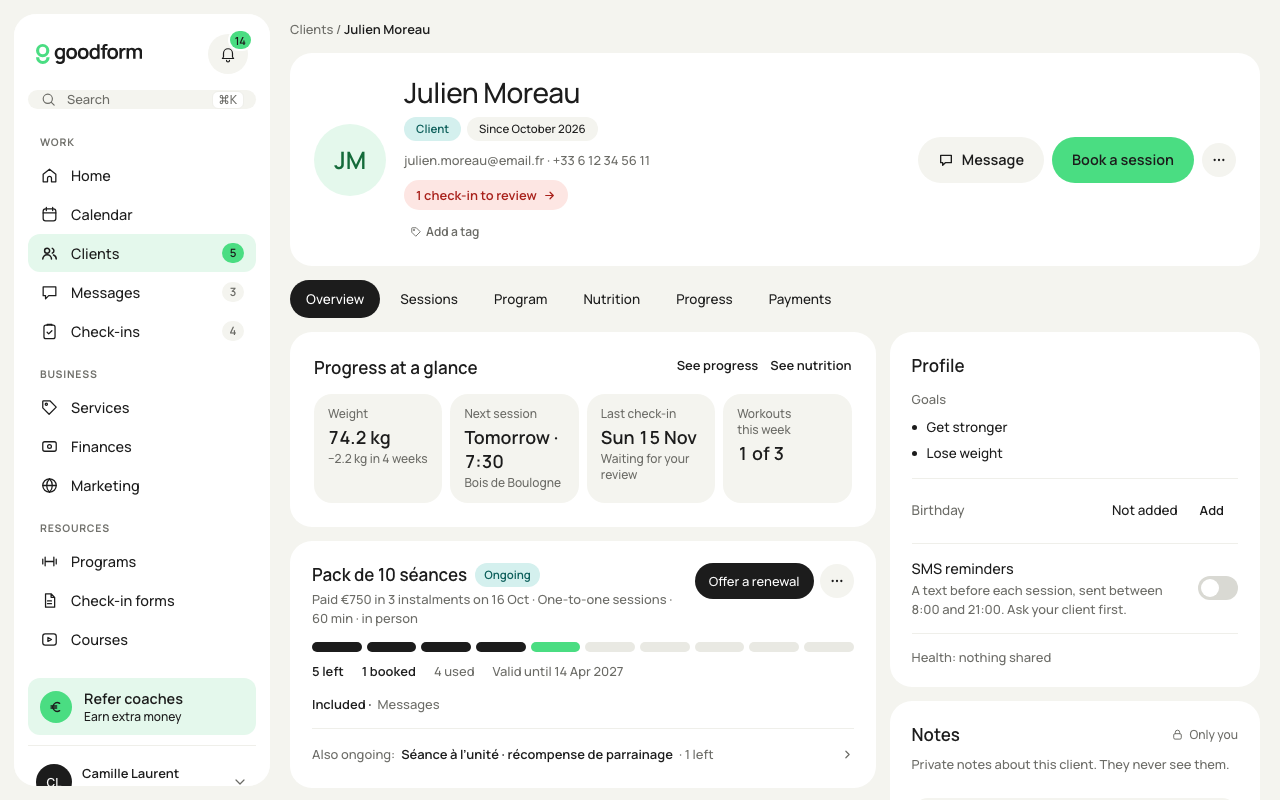
Add a client, follow your calendar, message them, review their check-ins and give them a program or a meal plan.
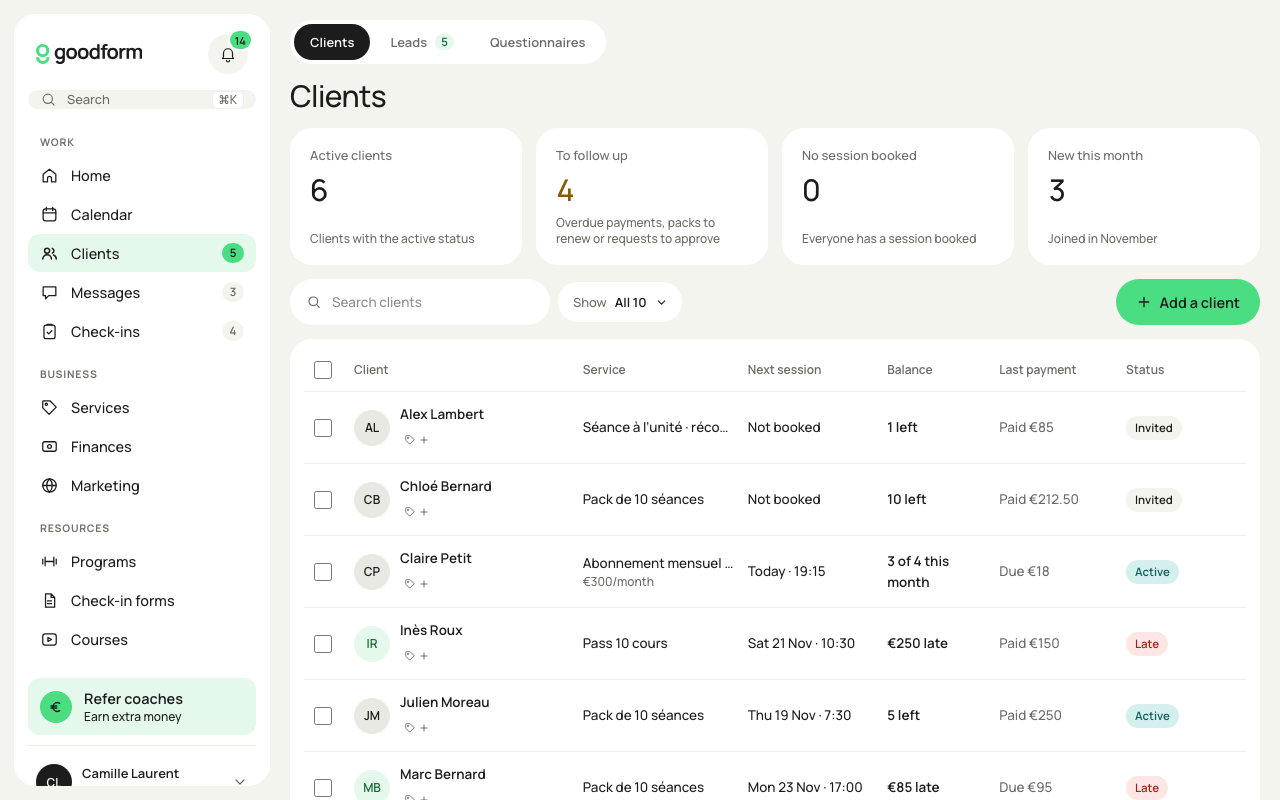
Add a client
Clients who book on your page appear in Clients on their own. For a client you already coach, choose Invite a client: they get a link to create their account.
Have a list in a spreadsheet? In Clients, choose Import.
Your calendar
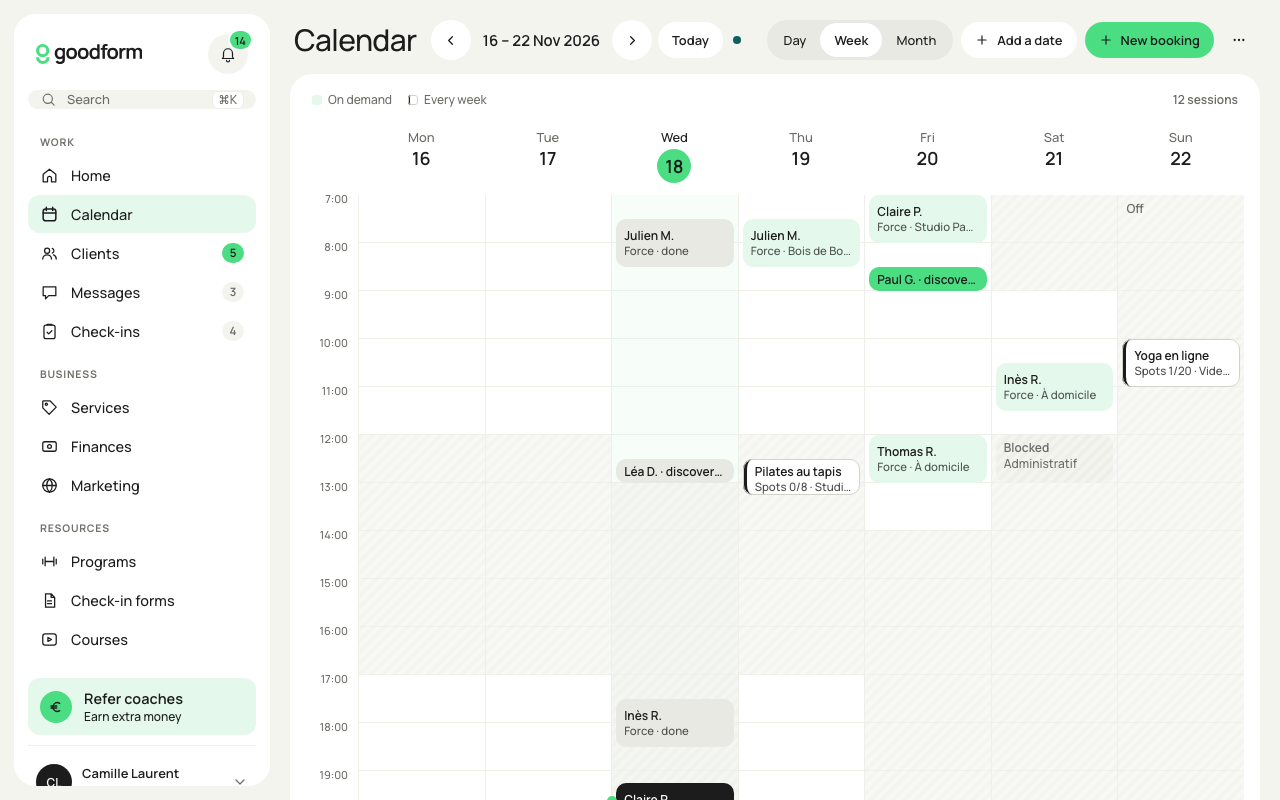
All your sessions are in Calendar: those your clients book, and those you add with New booking. Open a session to move or cancel it.
Messages
In Messages, write to each client. You can send photos and videos, for example to correct a movement.
Check-ins
A check-in is a short form the client fills in every week or month: their news, their measurements, their photos. Completed check-ins arrive in Check-ins. Read them and send your feedback.
Programs and meal plans
Create a program in Programs, or a meal plan in Meal plans. Start from a template or from scratch, then assign it to a client: they follow it day by day in their app.
When it is part of a service, the client gets it as soon as they have paid.